


Recent Comments
No comments to show.
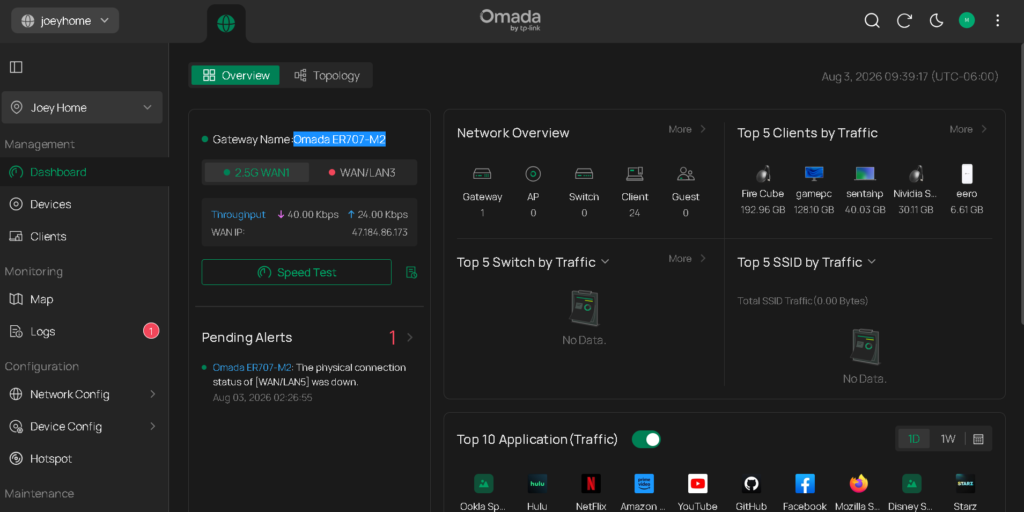
Instead of building my router, i decided on an enterprise grade router for home use. I decided on the Omada system. I specifically bought the “Omada ER707-M2” since it was on sale on amazon. It has all the features i currently need 2.5gig wan, 2.5gig lan and the ability to do vlans and such. I do not have any other omada devices… yet. I am currently using the cloud agent to manage my device – this may change though.
I’ve decided to migrate my website from a my local home server to a commercial site.
Normally you need 2 things to host a simple website. These 2 things usually have subscription plans associated with them.
After purchasing this from Stacksocial. I get lifetime hosting for $20. I still pay for the “macjoey.com” domain name. There are limitations when hosting the website some where else, usually what applications can be installed on the hosting site. These are some of the apps that can be installed.

After I migrated the web, i still needed access to my network. So i have new ddns name. “macjoey.ddns.net”. This is from No-ip.com (free).
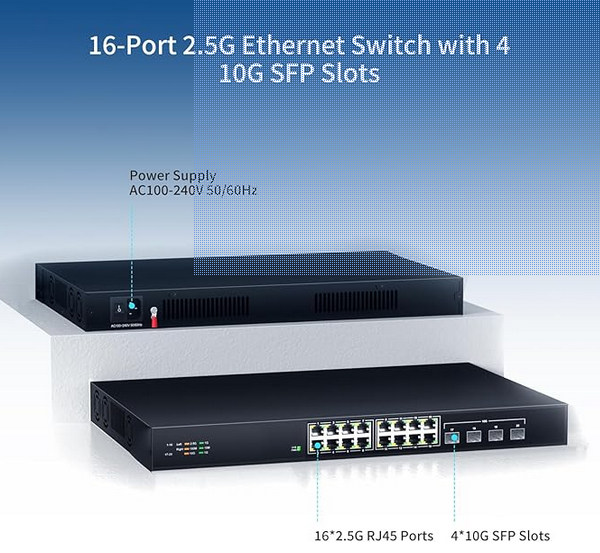
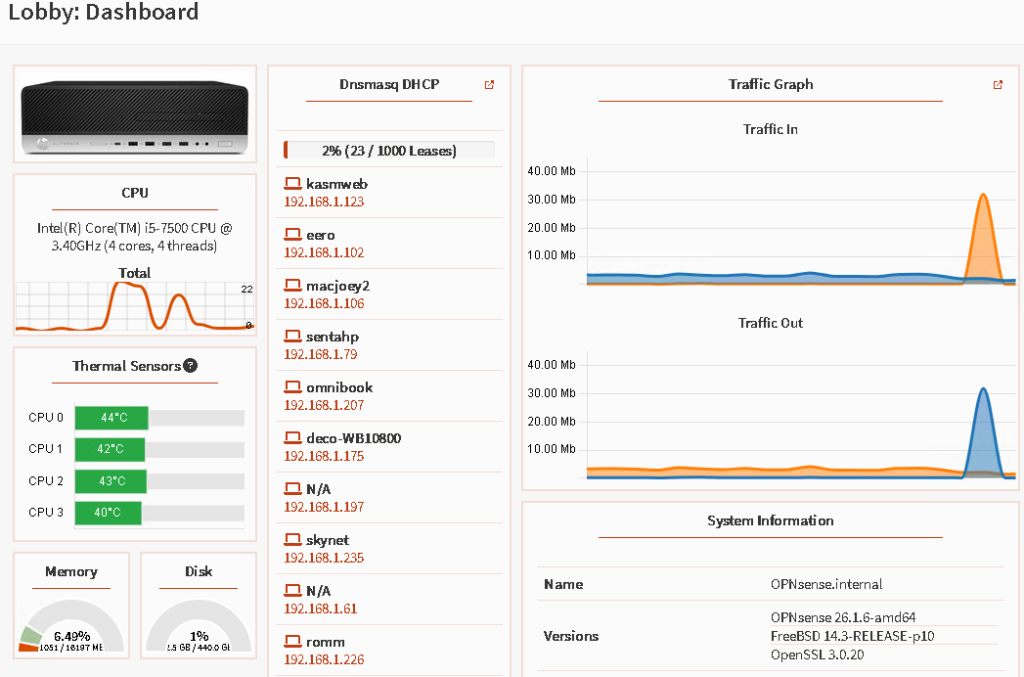
After running an overkill 40gig network home router (T5810 server, Pfsense (OS), 40gig network cards) – which was stable, I decided to a smaller box to become my home router.
Wall (RG56) > RG56 to 2.5gig (RG45) > Wiltek adapter and the other SFP+ goes to the switch for input. Everything is working as it should.
One problem i had is that the DELL Intel X520-DA2 10Gb SFP+, didn’t recognize the Wiltek 2.5gig adapter. I had to flash the firmware of the Dell x520 card to accept it.
https://gist.github.com/ixs/dbaac42730dea9bd124f26cbd439c58e
Well I wanted to add more space for VMs, so i decided to do a rebuild of my (Dell T7810, 2X Intel Xeon E5-2690 v4, 128G) Proxmox server because there was a perceived problem. I have a pciex card that houses a sata drive and an Nvme drive combo. Email reports says that there was something wrong with the sata drive, but the system functioned anyway. Another reason for the upgrade was due to a major Proxmox version update from 8 to 9. Sometimes i just like fresh builds of things. Currently i have only 4vms that i need.
First step was to backup all my vm’ss to an unraid share that i created – this was easy to do using fstab. I did a manual export this time and will eventually make backups automatic.
I decided to use a sata port on the motherboard to be my boot/Proxmox install… 500gig ssd was used. I then added a PCIE card that would allow 4 nvme’s – so a total of 8tb. I have to use the 2nd slot for all drives to work (main gpu slot). 1st slot was used for my 40gig network card. 3rd slot was just a pciex1 connection.4th slot has the arc 380 card, no space left lol.
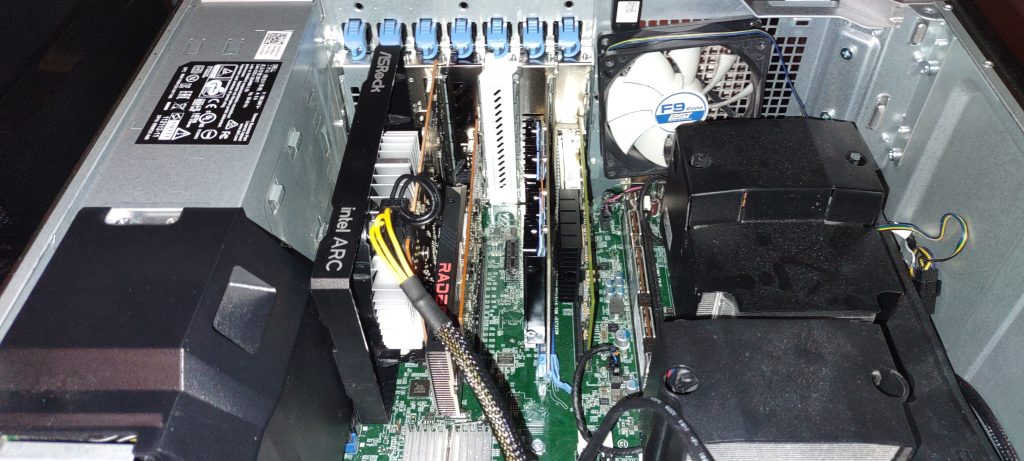
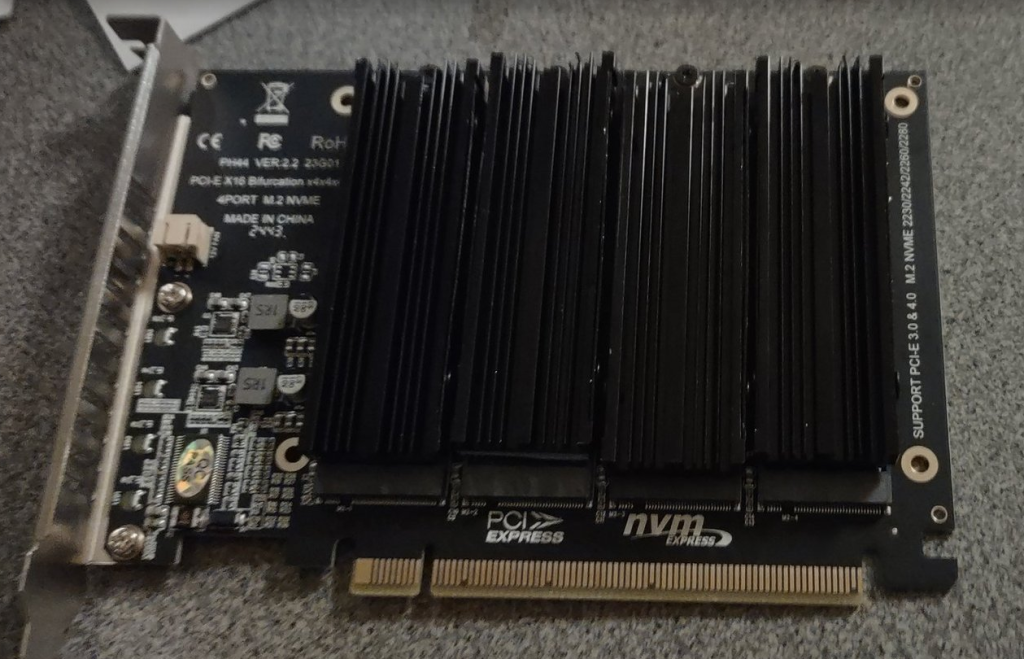
After setting up the new Proxmox build, i remounted the unraid share and restored my vms. I did have to reconfigure them a bit…but easy enough. One exception was my jellyfin server…it took forever to get my gpu pass thru working gain. I would recommend reading this article. https://forum.proxmox.com/threads/pci-passthrough-arc-a380-into-vm.146964/
Everything appears to be working now.. so i’ll put it back in the rack and adjust my port forwards!
Haven’t found a game that would keep me up at night. I’ve leveling up now , since I’ve beaten the main boss.
Well i’ve decided to update my router for home use…. i was using using a Ubiquiti Networks Edgerouter Lite-3 which worked great – but since I updated my upload/download speeds to 2Ggig/2Gig internet, I wanted to get the full throughput into my house. The lite-3 was only limited to 1gig up and down…. this is what I ended up with:
This is all running on PFSense, it did take a while (2 to 3 months) to get everything configured, but it’s stable for now.
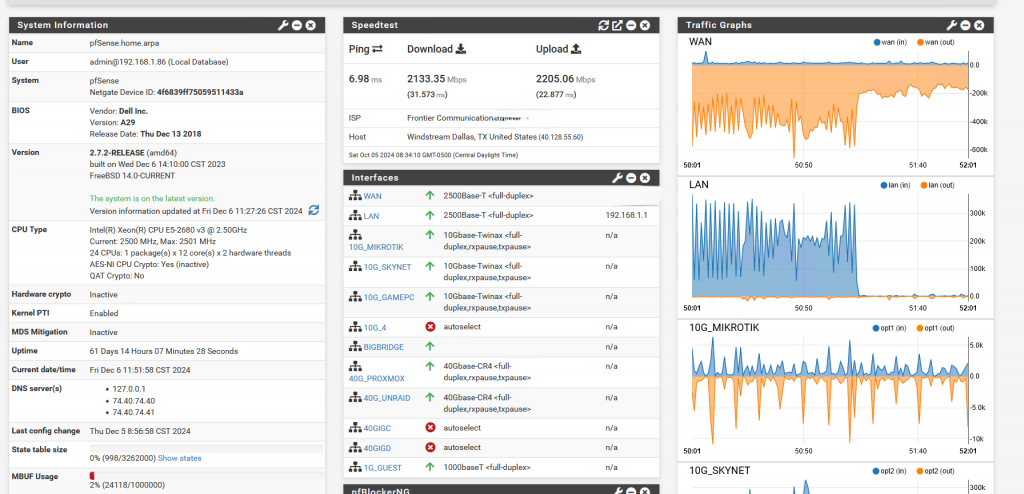
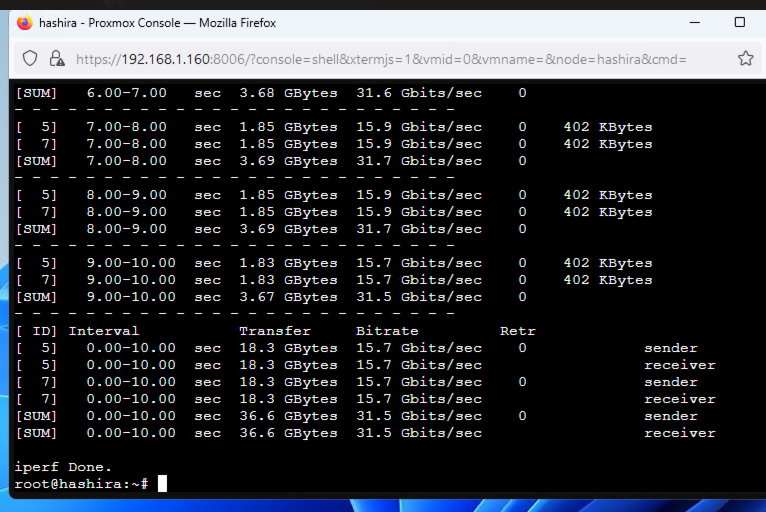
Using Iperf server on the pfsense box… i’m able to get close to 40gig “theoretical” from my unraid and proxmox servers. I haven’t seen any performance problems with the router at this point.
I’m currently running 2 wireless mesh networks, an Eero 6E and Tplink-AC, and 1 wireless-6 guest network. All 3 are just access points connected to the router.
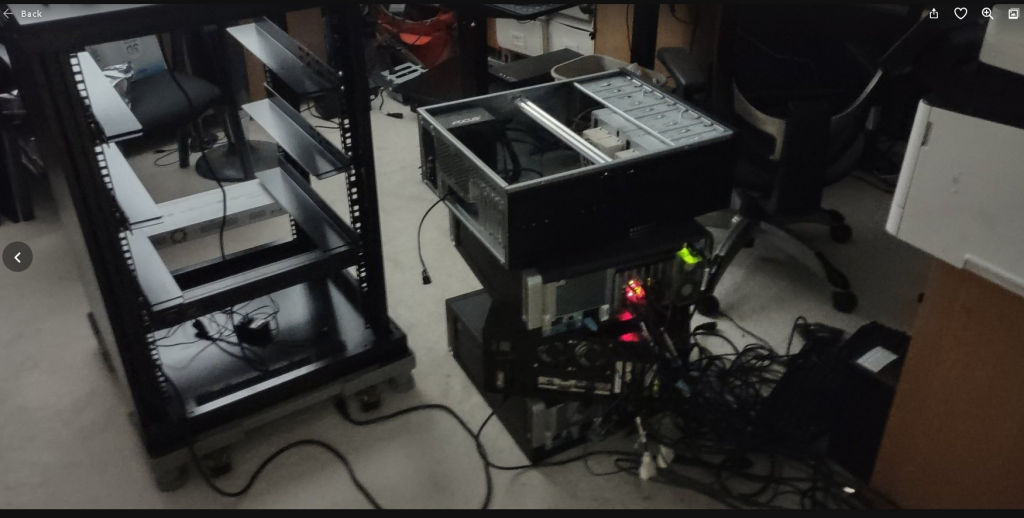
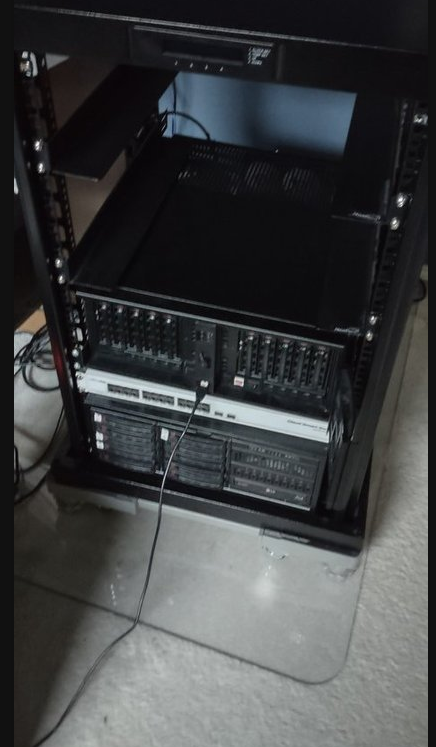
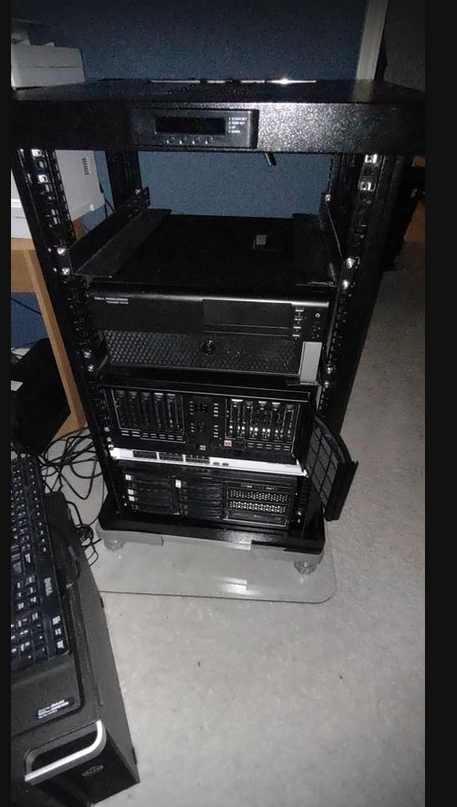
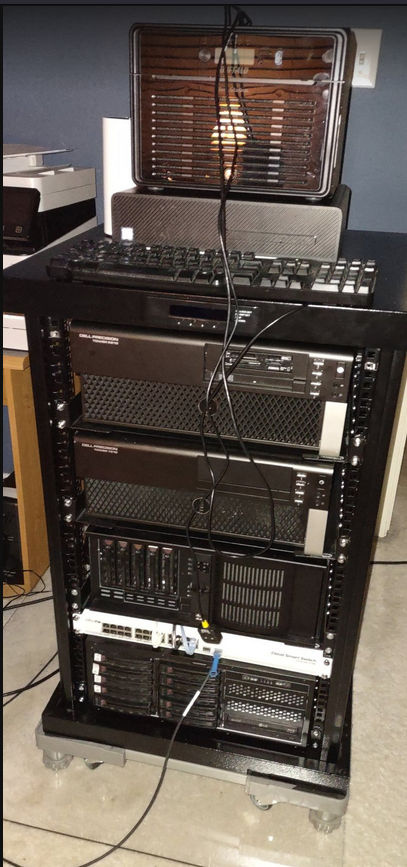
Above is the final setup.. minus cable mess… i added a plexiglass pad to the carpeted area to be able to move the server rack…Top: Dell t7810 is my router,middle: Dell t7810 proxmox server, bottom 2 is part of my unraid nas – using a consumer motherboard/cpu/ram.
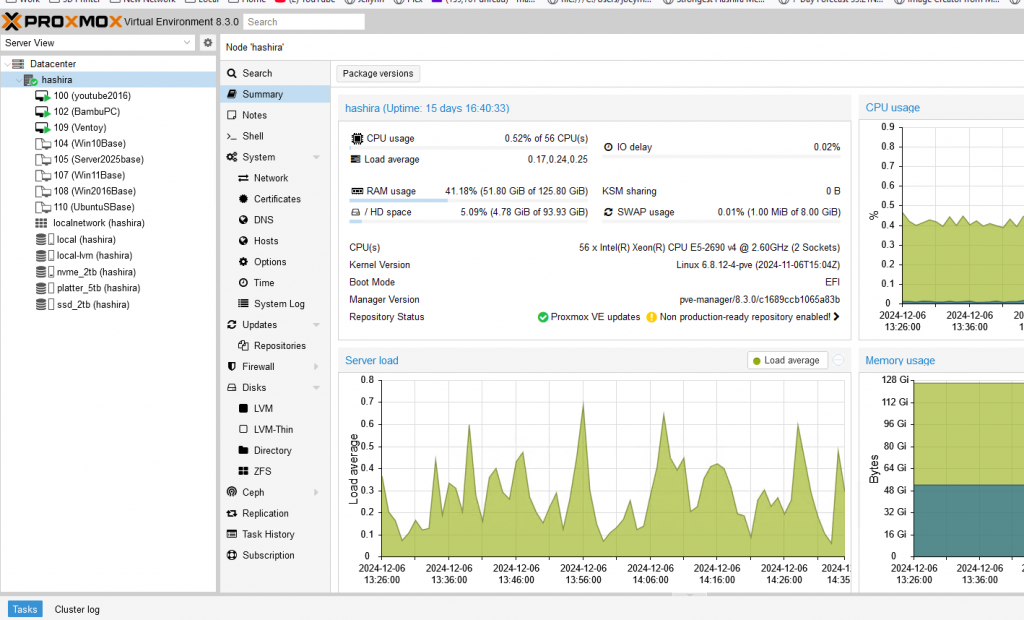
I’ve decided to introduce MFA for my remote connections to my home network – more security.
i was stuck behind the 8, had to make the 4. Couldn’t masse or jump.. fast tables and nice rails works wonders. Needless to say, we didn’t with the round. We where playing doubles nine ball…. sorry no 9 ball in the diagram.